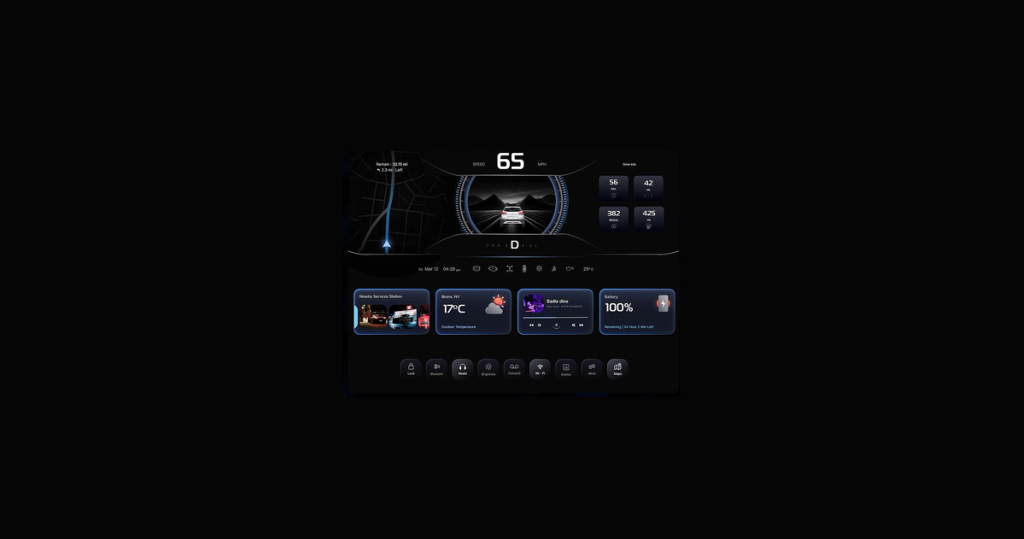
Android Auto & CarPlay Integration
Your users shouldn't have to pick up their phone to find a charger or check its availability while driving. We integrate Android Auto and Apple CarPlay into mobility apps: handle platform constraints, template architecture, and driver safety requirements.
Contact us
When to Add CarPlay & Android Auto to Your Mobility App
1
When your EV app needs an in-car extension
You have a working mobile app for charging station discovery, session management, and payments. And your users are already in the car when they need your app most. A CarPlay and Android Auto integration puts your core flow on the dashboard.
2
When your parking app needs to reach drivers en route
Drivers search for parking before or during their trip. Apple CarPlay and Android Auto let parking apps bring key in-car flows to the dashboard: nearby parking options, availability, booking status, and route handoff.
3
When your app guides users to a destination
Your users navigate to a service point that your app provides. CarPlay and Android Auto hand that destination off to the car's navigation system without forcing the driver to interact with their phone.
4
When your car-sharing app needs in-vehicle access
Your users start a rental, then get in the car. They may need to extend the session, check remaining time, or navigate to a drop-off point. CarPlay and Android Auto let them do that from the dashboard without unlocking their phone mid-drive.
Android Auto & Apple CarPlay Development Services
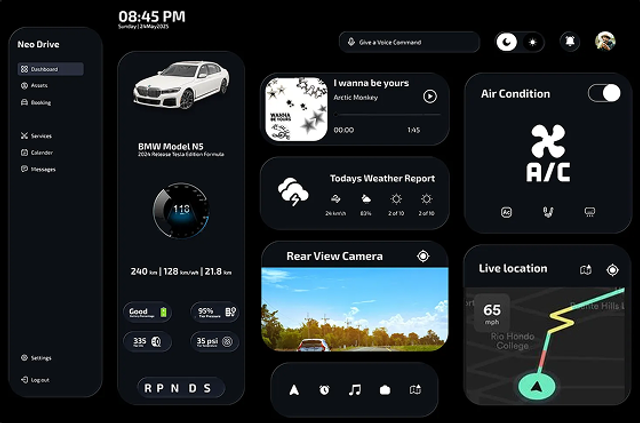
design by @abhi_kt
Feature Discovery
Before we write a single line of code, our team audits your app against CarPlay and Android Auto platform constraints. Both platforms restrict keyboard input while driving, disallow custom UI layouts, and limit interaction to a fixed set of templates. We map your current features against what each platform permits and clarify what goes into the car interface and what stays on the phone.
Map existing mobile flows to template sets
Identify features for the car interface
PoC to validate React Native library compatibility
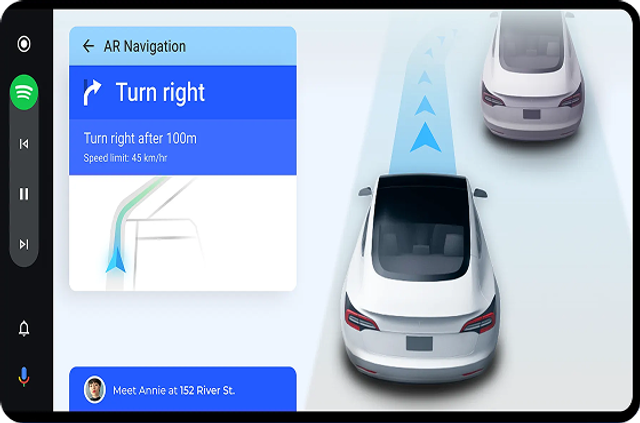
design by Asif Kabir
UI/UX Adaptation
CarPlay and Android Auto provide a fixed set of UI templates, and your entire in-car interface must be built from them. On CarPlay: CarPlay framework, CarPlay entitlement, CarPlay templates, Human Interface Guidelines. On Android Auto: Android for Cars App Library, Car App Library, CarAppService, Android Auto templates. The map interaction model is fundamentally different on both platforms, too. Unlike your mobile app, users can't tap markers or swipe to zoom. Station selection happens through a list, not the map. We make design decisions to get it right.
Focus on in-car essential features
Parked vs. driving state handling
Consistency between phone and car interface
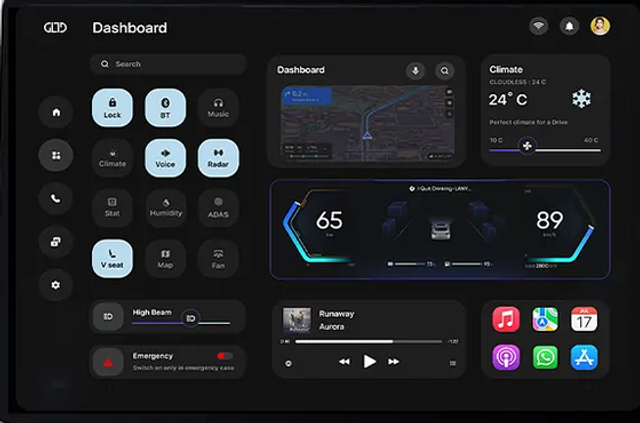
design by @uday_ujjual
CarPlay and Android Auto Implementation
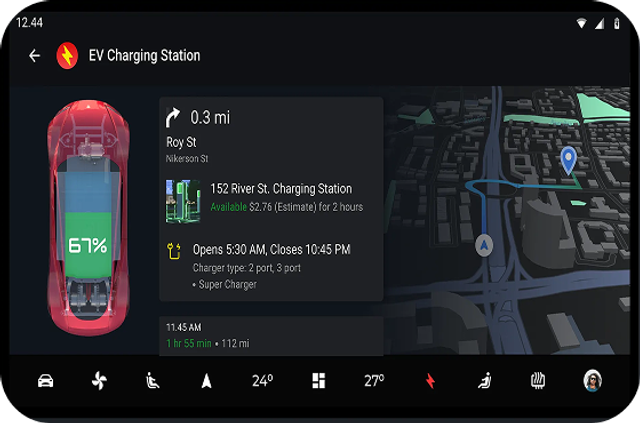
We implement CarPlay and Android Auto using React Native libraries. The car interface shares your existing backend, state management, and data layer without duplicate infrastructure and separate APIs. We change only the presentation layer and the interaction model. If our team catches unsupported template interactions, missing native API access, or library bugs, we move to native code. Swift for CarPlay, Kotlin for Android Auto.
Shared state and data layer with your mobile app
Native module patches (if needed)
Separate UI implementation per platform (if needed)
design by Asif Kabir
Real-Device and Simulator Testing
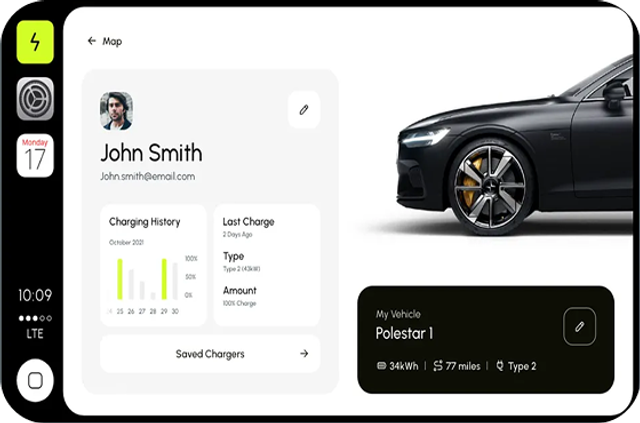
Both Apple and Google provide simulators that replicate the in-car interface – CarPlay Simulator on iOS, Desktop Head Unit for Android Auto. But simulators don't replicate everything: physical screen sizes vary across car manufacturers, rotary controller input behaves differently from touch, and some edge cases only surface on real hardware. Before release, we test on real vehicles to validate the full interaction model.
Real-vehicle testing
Parked vs. driving state testing
Multi-screen size validation
design by @abhi_kt
Rollout & Ongoing Support
CarPlay and Android Auto ship as part of your existing app update. For CarPlay, the capability is added to your provisioning profile, and the feature is tested against App Store review guidelines. For Android Auto, your app must pass Google's pre-launch safety review and meet Drive Mode content policies. Post-launch, you need to maintain your integration. Apple updates the CarPlay framework yearly at WWDC. Google updates Android Auto's template library and safety requirements regularly. We monitor platform updates, track user feedback, and improve flows.
Apple CarPlay and Google Play Android Auto compliance
Post-launch monitoring
Iterative improvement
Android Auto & CarPlay Technical Challenges We Solve
CarPlay or Android Auto integration doesn't mean you have to rebuild your backend or duplicate your infrastructure. The car interface runs on top of what you already have – same API, same state, same map data. But the integration is a new presentation layer that comes with its own constraints, which we predict and solve.

Connection Lifecycle and State Handoff
The app must restore state on reconnect without losing context, and state handoff between phone and car must be done in both directions. We implement connection state observers that detect disconnection instantly and persist session context. It’s paired with a shared state layer that both the phone and car interface read from.
Driver Distraction Rules and Template Constraints
Apple and Google ensure driver safety through a fixed set of templates, minimum touch target sizes, and text length caps. We audit your flows against CarPlay and Android Auto template libraries to waive architectural surprises mid-implementation.
Parked vs. Driving State and Audio Session Handling
While driving, both platforms block keyboard input, restrict screens, and reduce interaction to single-tap actions. Apps with charging alerts or session notifications must also integrate with CarPlay's audio session management and Android Auto's media focus system. Incorrect audio handling causes unpredictable behavior and platform rejection. We design for both states from day one.
Lifecycle and Background Execution
CarPlay runs as an app extension, and when iOS suspends your app, the car interface loses connection. Android Auto runs as a foreground service, but Android's memory management can end it under load. On iOS, we manage background execution entitlements to keep the interface alive when the phone locks. On Android, we structure the foreground service, and the interface recovers without sending the user back to their phone.
Category Eligibility and Entitlement Approval
Apple's CarPlay requires explicit entitlement approval tied to a closed category list – Charging, Parking, Navigation, Audio, Communication, Quick Ordering. Android Auto has its own Drive Mode compliance checklist. We handle category mapping, entitlement requests, and compliance documentation for both platforms before development begins.
Map Provider Restrictions
CarPlay only renders maps through MapKit. If your mobile app uses Google Maps, this is an architectural blocker that needs a decision before implementation starts. Android Auto has its own constraints on custom tile providers. We identify your map architecture, flag platform implications, and recommend an integration path that avoids a full rewrite.
Siri and Google Assistant Integration
SiriKit App and Google Assistant let users trigger app flows by voice. "Hey Siri/Google, find a nearby charger" goes directly in the CarPlay/Android Auto flow without touching a screen. Correct implementation needs defining app intents, handling voice input parameters, and managing fallback states for ambiguous commands.
Our Recent Projects
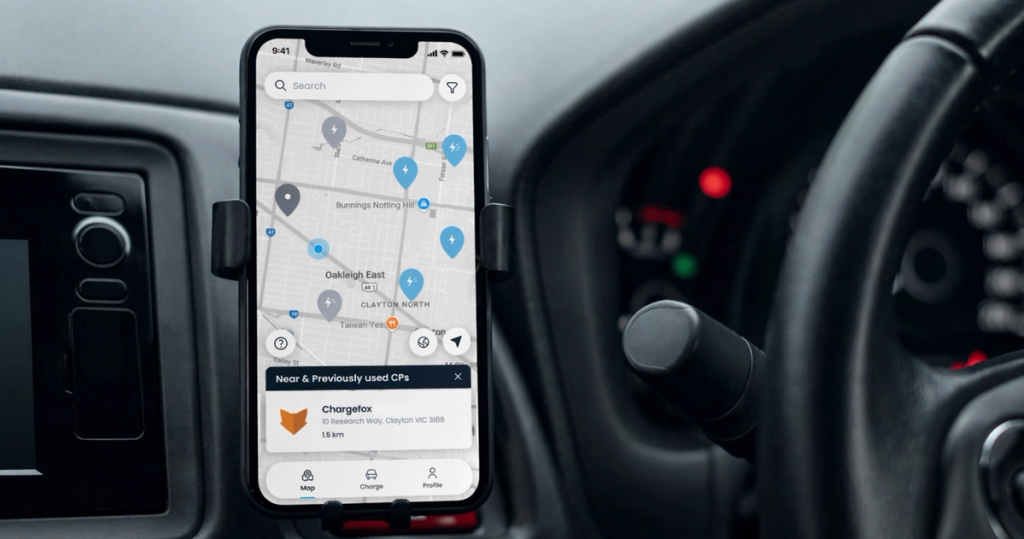
EV charging app
zuup Roam is an eMobility platform that simplifies EV charging across multiple networks - find, charge, and pay from a single app. We developed the app with a user experience around how Aussies actually drive. zuup Roam covers 110+ locations and 200+ charging stations across Australia.
View case study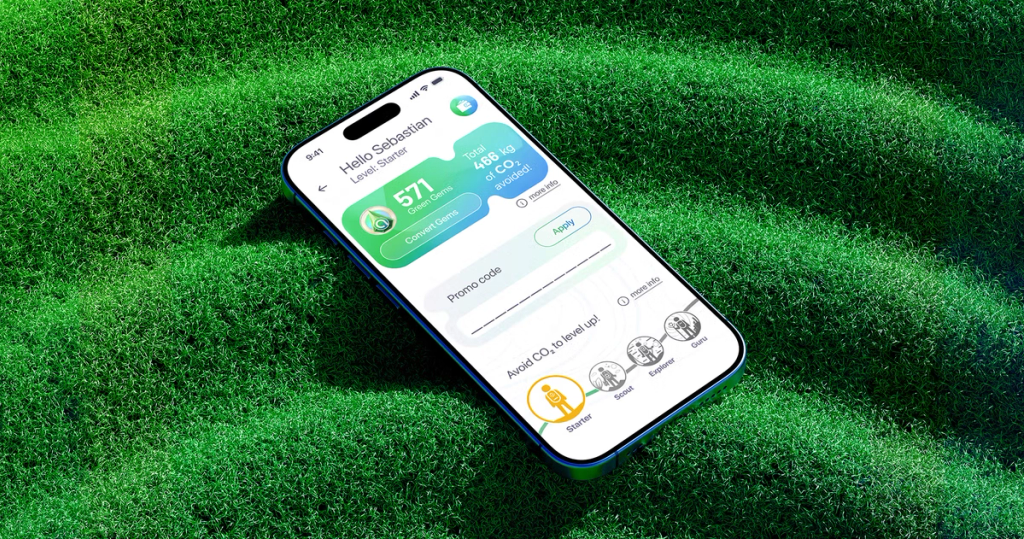
CPO driver app
Atlante is the largest fast-charging network in Southern Europe, with 4,084 charging points in Italy, France, Spain, and Portugal - all powered by 100% green energy. Our EV charging app development firm expanded their white-label app by adding a custom loyalty program in 11 languages.
View case study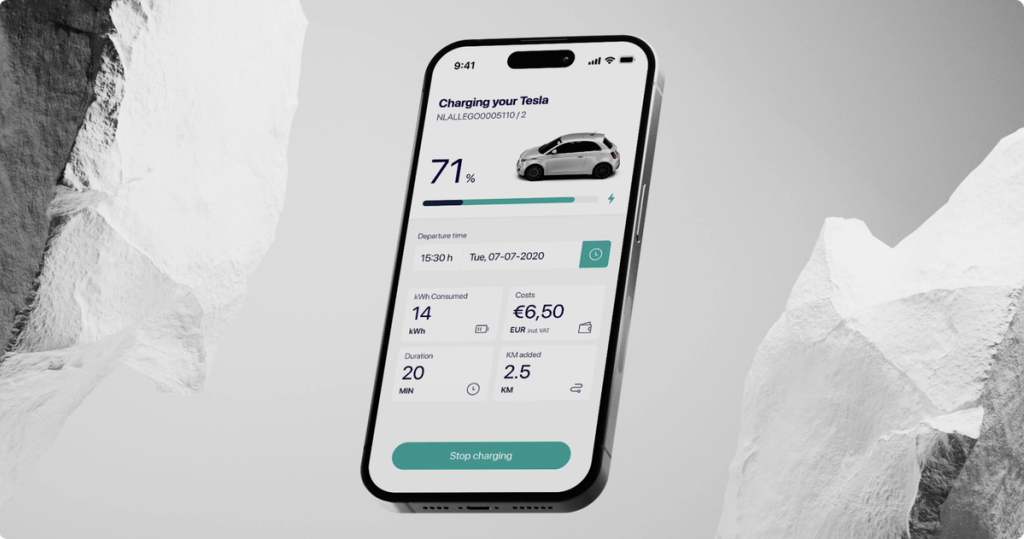
White-label EV charging platform
Deftpower offers a white-label app with access to 1,000,000 charging points across Europe. Their clients can customize the app with their own branding, sign-up flows, and supported vehicle lists. We redesigned the app's UX, improved performance, and added animations.
View case study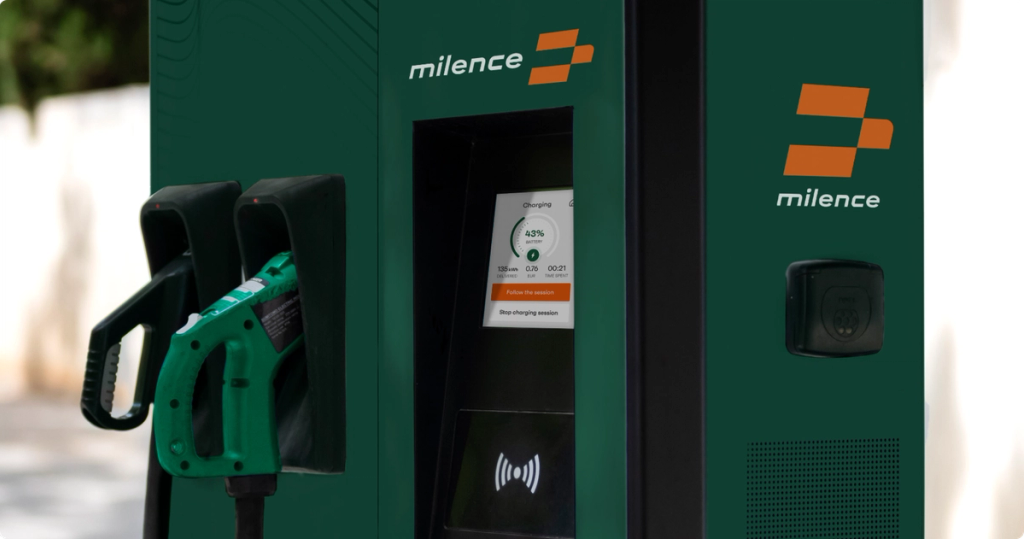
Payment terminal app for EV charging stations
Milence runs a network of charging stations for heavy-duty EV trucks. We created a custom Android app for payment terminals, handling card payments, managing charging sessions, and real-time statistics. The app passed security testing (NDT) and supports 9 languages in small terminal screens.
View case studyWhat Our Clients Say About Us



"Stormotion has really delivered on their promises. They’ve been very transparent about their progress, flexible in reacting to changes, and solution-focused in overcoming challenges. If they didn’t know something, they would find out, which gave us great confidence in their ability to go the extra mile."


"Stormotion stood out because of their focus on Bluetooth-connected products. They weren't just app developers, they understood the unique challenges of building mobile app experience for hardware products. Their collaborative approach, technical expertise, and ability to quickly grasp the vision of the North Guardian app made it clear that they were the right fit."


"I had meetings with 30 different agencies and the team at Stormotion gave me the most confidence to go forward. With them you feel like you've got a kind, knowledgable & conscientious team behind you. So I was 100% sure that they're going to be able to deliver our project!"


"If you're thinking of going to Stormotion, you're going to have a very easy team to talk to, to communicate with, to understand what you want to do. They will tell you if you're barking up the wrong tree and are going to waste your time and money. I'd say "give it a go!" and I thoroughly recommend Stormotion."


"I highly recommend Stormotion as a service provider for app development. They're young, flexible, dynamic, creative and very fast. The cost of planning and implementation is also reasonable. As they use "pay as you go", have a good plan first – then the result also will be satisfactory."


"The Stormotion team quickly became our team for everything Native app-related. It would be hard to name all the things that we built over the many years we worked together, but overall, I think we had a good partner who was able to adapt the way we worked, and the way they worked. So that we could ultimately build a product that had the quality that we wanted and with the speed that we wanted."


"Given a tough budget and a lack of knowledge in our own engineering team, we quickly came to Stormotion. We had already worked together on previous projects, and I knew that, based on React Native, we could have one engineer responsible for it. That was just amazing because I could really focus on our customer side, knowing that the mobile application for the testers was in very good hands."


"Trust Stormotion. Work with them on your road map, on your technical debt. Also, expect feedback because the team is eager to do this. It's what I value and, I think, many startups value."


"Working with Stormotion was a blast! The Project Managers, and especially Alex, are always there for you when you need them to go the extra mile. And it's very easy to communicate with them. Whether it's something urgent or whether it's a bigger task, like building the structure of the architecture, I always felt like I was treated very well. Stormotion delivered a great app experience from day one."
Tech Stack
Frameworks
Programming Languages
Navigation
Networking & APIs
State & Data Fetching
Maps & Location
Graphics, Video & Audio
Internationalization
Analytics & Monitoring
Testing & QA
CI/CD & Delivery

React

React Native

Expo

CarPlay Library

Android Auto Library





Collaboration Models
Pre-Project
Discovery Stage
Planing
Agile Development
UX-Prototyping
Design
Development
QA & Testing
Transition
Maintenance
Handover
Next Iteration
You get full ownership of your CarPlay and Android Auto integration. We take full technical responsibility for the in-car layer: platform compliance, template architecture, implementation, and ongoing platform updates.
Depending on your stage, our collaboration can include:
- CarPlay and Android Auto feasibility assessment and feature scoping
- UI/UX adaptation from mobile flows to platform templates
- Cross-platform implementation for iOS and Android
- Simulator and real-device QA before App Store and Google Play submission
- Apple entitlement procurement and Google Drive Mode compliance
- Post-launch support and platform update monitoring
Our Development Process



FAQ
Can any mobility app support CarPlay or Android Auto?
Not automatically. Both Apple and Google limit in-car apps to specific categories and driver-safe use cases. EV charging, parking, navigation, car sharing, and selected mobility flows can be a good fit, but the exact scope depends on your app’s category, feature set, and platform requirements.
Before development starts, we check which parts of your app are eligible for CarPlay and Android Auto, which features should only work while parked, and which flows need to stay on the phone.
Do we need to rebuild our mobile app to add CarPlay and Android Auto?
No. CarPlay and Android Auto app development reuse your existing backend, APIs, map data, state management, and business logic.
What changes is the presentation layer and the interaction model. The in-car interface needs to be rebuilt around platform templates, reduced interaction steps, and driver-safe UX patterns. If React Native libraries are not enough for a specific feature, we add native Swift or Kotlin implementation.
What features can move from a mobile app to the car interface?
The best-fit features are short, contextual, and useful while driving. For example: finding a nearby charger, checking station availability, navigating to a parking location, viewing an active session, or handing off a destination to the car’s navigation system.
Complex flows like account management, detailed filtering, long forms, full payment setup, profile editing, or feature-heavy dashboards usually stay on the phone. During discovery, we separate your features into three groups: in-car, parked-only, and phone-only.
Which features can’t we move to CarPlay or Android Auto?
CarPlay and Android Auto are not second screens for your full mobile app. Both platforms restrict custom UI, keyboard input, complex navigation, dense screens, and interactions that take too much driver attention.
That means your mobile app’s full map experience, advanced filters, checkout flows, onboarding, account settings, and custom visual layouts usually need to be simplified or kept out of the in-car interface.
The goal is not to copy the mobile app. It is to create a safe, focused in-car version of the most relevant driver flows.
What is the difference between Android Auto and Android Automotive OS?
Android Auto extends your existing Android app to the car display through the driver’s phone. Android Automotive OS runs directly on the vehicle’s infotainment system.
For most EV charging, parking, car-sharing, and mobility apps, Android Auto is usually the first practical step because it builds on your existing mobile product. Android Automotive OS becomes relevant when your roadmap includes deeper OEM partnerships or native in-vehicle experiences.
Can users pay for charging, parking, or rentals directly from CarPlay or Android Auto?
It depends on the flow. Quick, low-distraction actions may be possible, but complex payment setup, card entry, account changes, or long checkout steps are usually not suitable for the driving interface.
A common approach is to keep payment setup and account management on the phone, while the in-car interface shows session status, location details, route handoff, and safe actions related to an active trip or booking.
Does Apple need to approve our CarPlay integration?
Yes. CarPlay requires the right entitlement for your app category. Apple reviews whether your app fits one of the supported CarPlay categories and whether the proposed in-car experience follows platform expectations.
That is why we check category eligibility and feature scope before implementation. It helps reduce the risk of building an in-car flow that later gets blocked during review.
Does Android Auto require a separate approval process?
Yes. Android Auto apps need to meet Google’s car app quality and driver-distraction requirements before they can be released through Google Play.
We prepare the app around Android Auto templates, driving-state restrictions, screen-size behavior, and Google’s review expectations, then test the experience before submission.
Can we use Google Maps, Mapbox, or our existing map provider inside CarPlay and Android Auto?
This needs to be checked early. CarPlay and Android Auto don’t give you the same map freedom as a mobile app. Some map interactions and custom map layers may not be available inside platform templates.
If your mobile app depends heavily on Google Maps, Mapbox, or custom map behavior, we assess the architecture during discovery and recommend the safest path before implementation starts.
How long does CarPlay and Android Auto integration usually take?
For an existing mobility app, CarPlay and Android Auto integration usually takes around 8-14 weeks, depending on the feature scope, platform complexity, approval requirements, and how much native work is needed.
A simple route handoff or charger list can be faster. A more advanced flow with session state, parked vs. driving behavior, real-vehicle QA, and platform-specific edge cases will need more time.
How do you test CarPlay and Android Auto integrations?
We test the integration in Apple’s CarPlay Simulator and Android Auto’s Desktop Head Unit first. Then we validate the experience on real hardware because simulators don’t cover every in-car scenario.
Real-device testing helps catch issues with different screen sizes, touch and rotary input, connection drops, parked vs. driving states, and behavior that only appears in an actual vehicle environment.
What happens after the integration is released?
CarPlay and Android Auto integrations need ongoing maintenance. Apple and Google update their frameworks, templates, review requirements, and platform behavior over time.
After release, we support your team with platform update monitoring, bug fixing, review-related changes, UX improvements, and iteration based on real user behavior in the car interface.




Claudio Tesei
Head of Cloud Infrastructure @ Atlante
"We originally got in touch with Stormotion from our original app developer. And very soon we found real value in choosing Stormotion, because they previously had real valuable experience on the field – digital apps working in the realm of EV charging. So, it was really a no-brainer for us to to go with them."